



Posted in تصوير المؤتمرات, تصوير متعدد الكاميرات on نوفمبر 04, 2026
Multi-Camera Conference Filming in Saudi Arabia

How to Film Large Conferences with Multiple Cameras in Saudi Arabia
A large conference does not simply require more cameras. It requires a clear production system in which every camera has a defined role. Having four or five cameras does not guarantee strong coverage if all of them are filming the speaker from nearly the same angle, if there is no coordination between camera operators and the director, or if presentation feeds, screens, and audio sources are not recorded separately.
In corporate events, exhibitions, forums, summits, and major meetings, the visual story moves between speakers, stage activity, presentations, the audience, VIP guests, reactions, questions, and panel discussions. This is why the production often needs a Master Camera, a Close-up Camera, a roaming or audience camera, and sometimes an additional camera dedicated to the stage, the audience, or a side angle, all connected to a control room or director who knows when each source should be used.
If the conference is streamed live, the production becomes even more sensitive because every incorrect cut is immediately visible to the viewer. If post-production is also required, each camera should ideally be recorded separately alongside the Program Feed, audio, and presentation sources so the editor has enough flexibility to rebuild sessions, create highlights, and produce individual speaker clips.
This guide explains how to plan and film large conferences and events with multiple cameras in Saudi Arabia, from camera roles, coordination, directing, and live streaming to presentation capture, audio recording, multicam editing, and final delivery, with a focus on organized production that serves the live audience, remote viewers, and the content team after the event.
 Call Now
 WhatsApp
Start with camera roles, not camera count. You should always have a safe stage shot, a close shot of the speaker, and a source for movement or audience reactions, then add more cameras depending on the size of the conference, the stage layout, and the type of sessions.
If there is a live stream, treat the cameras as part of a complete production system: Vision Mixer, Intercom, Program Monitor, audio, presentation feeds, graphics, recorders, and a Backup Plan. The director coordinates these elements and prevents repetitive framing or dead moments.
For post-production, do not rely on Program Feed alone. Recording each camera as ISO gives the editor the ability to rebuild the session, create Highlights, or produce Speaker Clips even if some live cuts were not ideal.
For delivery, agree in advance on the required outputs: Full Session, Program Recording, Speaker Clips, Highlight Film, Social Cuts, Interviews, and raw presentation or camera files where required.
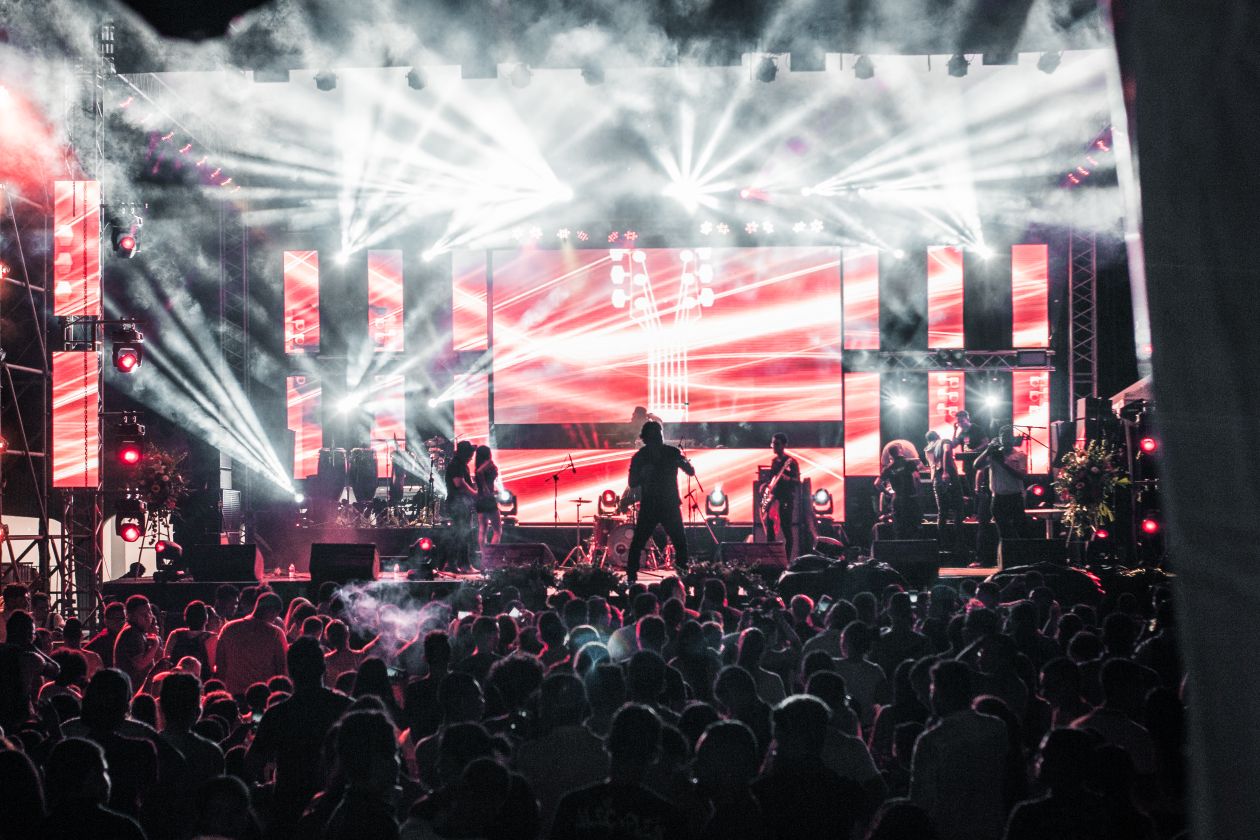
Why do large conferences and events need more than one camera?
Because the visual story happens in several places at the same time. A speaker may be on stage while an important slide appears on screen, while the audience reacts or a participant raises a hand to ask a question.
One camera can document the event, but it cannot efficiently capture all these layers.
Multi-camera production gives the director the ability to move between Wide Shots, Close-ups, presentations, and audience reactions without stopping or repositioning one camera.
It also creates a safety layer. If one camera needs to change batteries, focus, or framing, another source can remain live.
What coverage objectives should be defined before selecting the number of cameras?
Is the requirement live streaming, full documentation, separate session recordings, a Highlight Film, social content, interviews, or a combination of these?
If the goal is simply to archive sessions, a smaller number of cameras may be enough.
If the goal is professional live streaming with audience coverage, presentation feeds, and interviews, more sources and production roles are required.
You should also determine whether all sessions happen on one stage or whether several rooms operate at the same time.
How does Pre-Production begin for a multi-camera conference?
Collect the event schedule, speaker names, session formats, number of chairs on stage, and presentation requirements.
Identify where VIP guests will sit, where audience questions will happen, and whether there is a side stage, recognition segment, or panel discussion.
Identify any moments that cannot be repeated, such as the opening, a sponsor speech, or an important announcement.
Camera distribution should then be planned around the actual visual story of the conference.
How do you perform a Site Recce for a large conference?
Start by checking sightlines between camera positions and the stage.
Review pillars, stage decor, emergency exits, guest walkways, and circulation routes.
Define the control-room or Production Area location and cable routes between cameras and the production system.
Check power locations, audio systems, LED displays, and presentation sources.
You should also determine where a Roaming Camera can move without disturbing the audience or blocking the screen.
How do you create a Camera Map before conference day?
Place every Camera on the floor plan with a number and a clearly defined role.
Camera 1 may be the Master Camera in the center of the room, Camera 2 a Close Camera from a side angle, Camera 3 dedicated to the audience, Camera 4 a Roaming Camera, and perhaps Camera 5 for an additional stage or side angle.
Every operator should know what they are expected to cover and what they should avoid.
The Camera Map also helps the cable, audio, and event-design teams avoid conflicts.
| Camera | Role | Primary Shots | Common Mistake |
|---|---|---|---|
| CAM 1 | Master | Full stage | Moving it too often |
| CAM 2 | Close | Speaker and expressions | Matching the Master framing |
| CAM 3 | Audience | Reactions and questions | Not following the audience question |
| CAM 4 | Roaming | Details and movement | Entering other cameras' frames |
What is the role of the Master Camera and why should it remain stable?
The Master Camera is the director's visual safety shot.
It should be able to show the full stage and all speakers at any time.
When the Close Camera changes framing or searches for the next speaker, the director can return to the Master.
This is why the Master Camera should not be used for constant creative movement.
What is the role of the Close Camera in conference filming?
Its purpose is to show facial expressions and details that are not visible in the wide shot.
It is used during keynote speeches, audience questions, and panel discussions.
The operator should know speaker names and sequence so transitions can happen confidently.
In panels with several speakers, the operator should anticipate who is about to speak rather than waiting until the person has already started.
When should a Roaming Camera be used inside a conference?
It is useful for details, guest arrivals, audience interactions, entrances, movement, and coverage outside the main stage.
It may be mounted on a Gimbal or Shoulder Rig depending on the event style.
The operator must move according to a clear plan so the camera does not appear inside the framing of fixed cameras.
During live streaming, the Roaming Camera should not be the only source covering unrepeatable moments.
How do you film the audience without making the conference look empty or staged?
Use a suitable lens to capture natural Reaction Shots from a comfortable distance.
Look for applause, note-taking, smartphone recording, attentive listening, questions, and engagement with the speaker.
Avoid repeating the same audience shots throughout the session.
Audience coverage gives the final video a sense of scale and energy and prevents the production from becoming a sequence of speakers only.
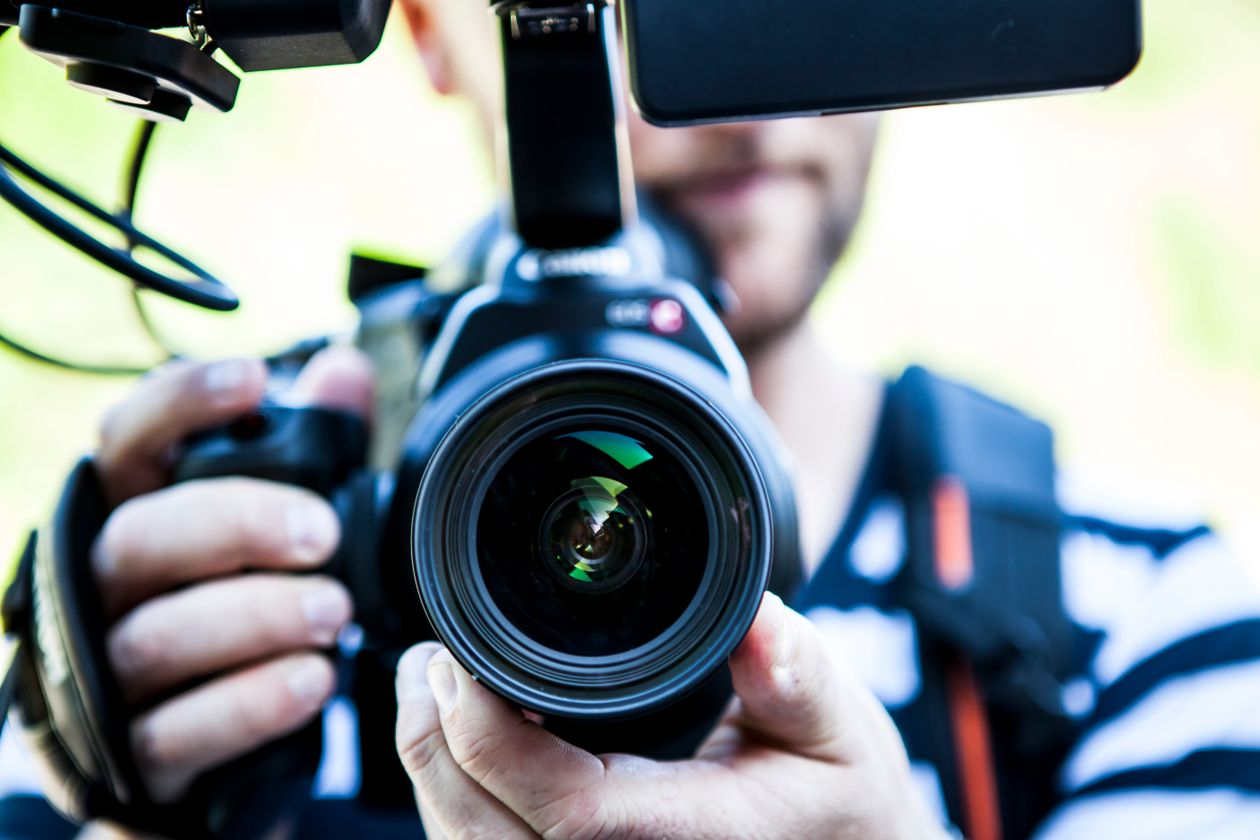
How do you film a Panel Discussion with multiple cameras?
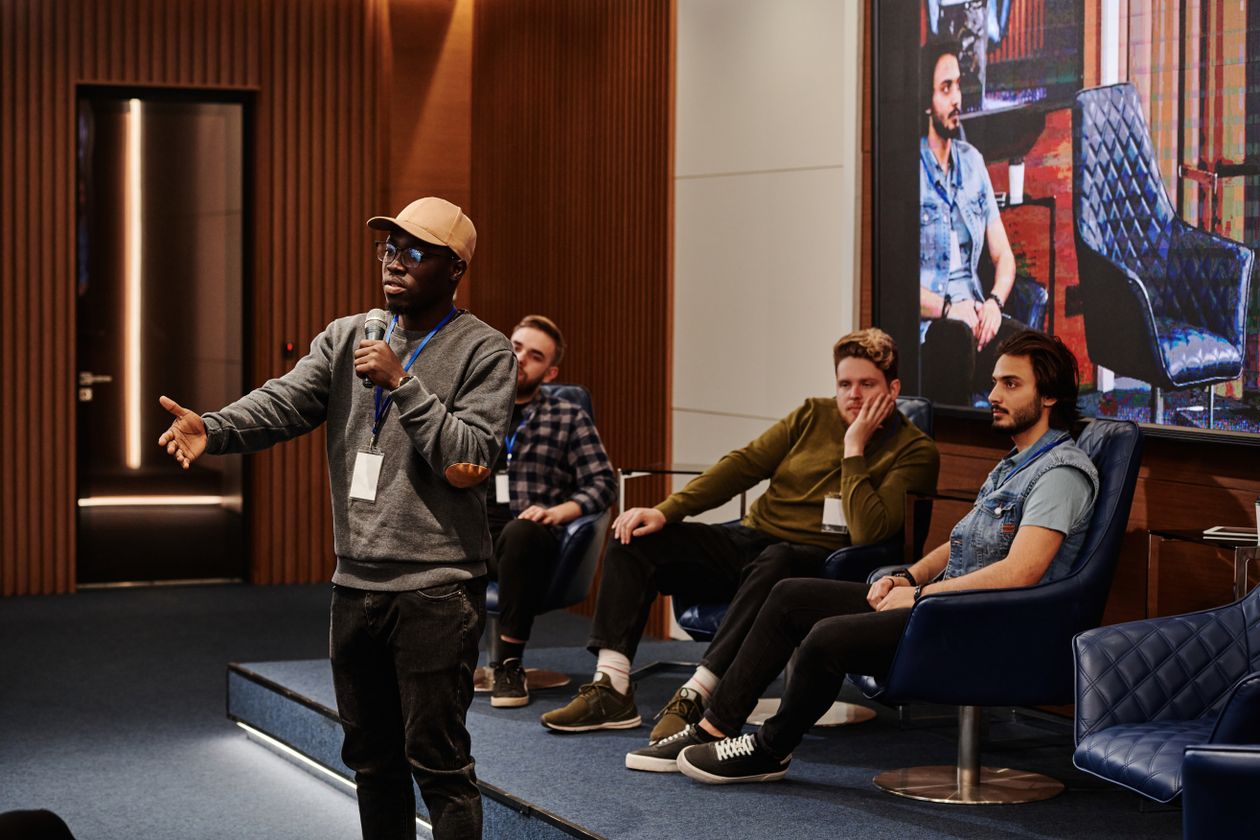
Panel discussions are among the formats that require the most camera coordination.
Use a Master Camera for the entire panel, a Close Camera that moves between speakers, and potentially another close or side camera if the panel contains many participants.
A dedicated camera can also be assigned to the moderator when the conversation depends heavily on their interaction.
The director should visually anticipate the conversation. When the moderator directs a question to a panelist, the relevant camera should already be prepared before the answer begins.
How do you film a Keynote without making it visually repetitive?
Begin with a Wide Shot for the entrance or opening, then move to Medium and Close shots during the speech.
Use Reaction Shots at appropriate moments without interrupting the speaker visually too often.
If important Slides are being shown, combine the speaker and presentation source instead of filming only the LED screen.
Any planned speaker movement on stage should be known by the operators in advance if it is part of the program.
How do you record PowerPoint and other conference presentations?
Obtain a Clean Feed from the presentation system instead of relying only on filming the LED screen with a camera.
Record the presentation feed separately so it can also be used in post-production.
If the presentation includes video playback, verify that the videos enter the production system correctly.
The director can use Picture-in-Picture or switch fully to the presentation depending on the content.
How do you deal with LED screens behind speakers?
Test the screen Brightness before the conference.
It should be balanced with facial lighting so the background does not become excessively bright.
Watch for Flicker or scan-line issues that may appear on camera and adjust the production setup according to the actual environment.
Do not rely on the camera to capture small text on the LED display. The direct digital feed will be much clearer.
How do you record audio for a multi-camera conference?
Audio should come from the microphone and mixing system, not from camera microphones alone.
Take a direct Feed from the Audio Console into the recording and streaming system.
For important sessions, keep an independent audio recording when possible.
Use Ambient Mics to capture applause and room reactions so the final recording does not feel unnaturally dry.
Why is Intercom critical in multi-camera conference production?
Because the director needs to communicate with camera operators continuously.
The director may ask Camera 2 to prepare a close shot of the next speaker, Camera 3 to find the audience member asking a question, or Camera 4 to move out of the Master Camera's frame.
Without Intercom, cameras effectively become independent units, with each operator making separate decisions.
This reduces the value of multi-camera production because angles begin to repeat or conflict.
What is the director's role in a multi-camera conference?
The director decides what the viewer sees now and what each camera should prepare for the next moment.
The director watches all sources through a Multiview, follows the Run of Show, and monitors audio, presentations, and graphics.
The job is not simply pressing the cut button. It is about anticipating the next visual event.
The better the director knows the program and speakers in advance, the smoother the production becomes.
How does Live Switching work without distracting the viewer?
Do not switch between cameras simply because many sources are available.
Every Cut should serve meaning, movement, or a visual change.
Avoid switching from one Wide Shot to another nearly identical Wide Shot or between two similar Close shots without a reason.
During long speeches, maintain a balanced visual rhythm between the speaker, presentation, and audience.
| Situation | Best Source | Next Transition | What to Avoid |
|---|---|---|---|
| Speaker entrance | Master | Close after settling | Shaky close shot during entrance |
| Audience question | Audience Camera | Close on speaker | Searching for the questioner while live |
| Important Slide | Presentation Feed | Speaker Close | Filming the screen from far away |
| Applause | Audience/Wide | Master | Staying only on the speaker's face |
What is Program Feed and why should it be recorded?
Program Feed is the final live version selected by the director moment by moment.
It includes cameras, presentation feeds, graphics, and final audio.
This output can be used for live streaming or quick delivery as a complete session record.
However, it should not be the only recording when advanced post-production is required.
Why should each camera be recorded as ISO?
ISO Recording means saving each camera separately.
This allows the editor to choose a different angle later than the one selected live by the director.
If a live Cut was not ideal, it can be corrected in the edited version.
ISO recordings also make it possible to create Speaker Clips or Highlight Films using shots that never appeared in the original Program Feed.
How do you connect the multi-camera system to live streaming?
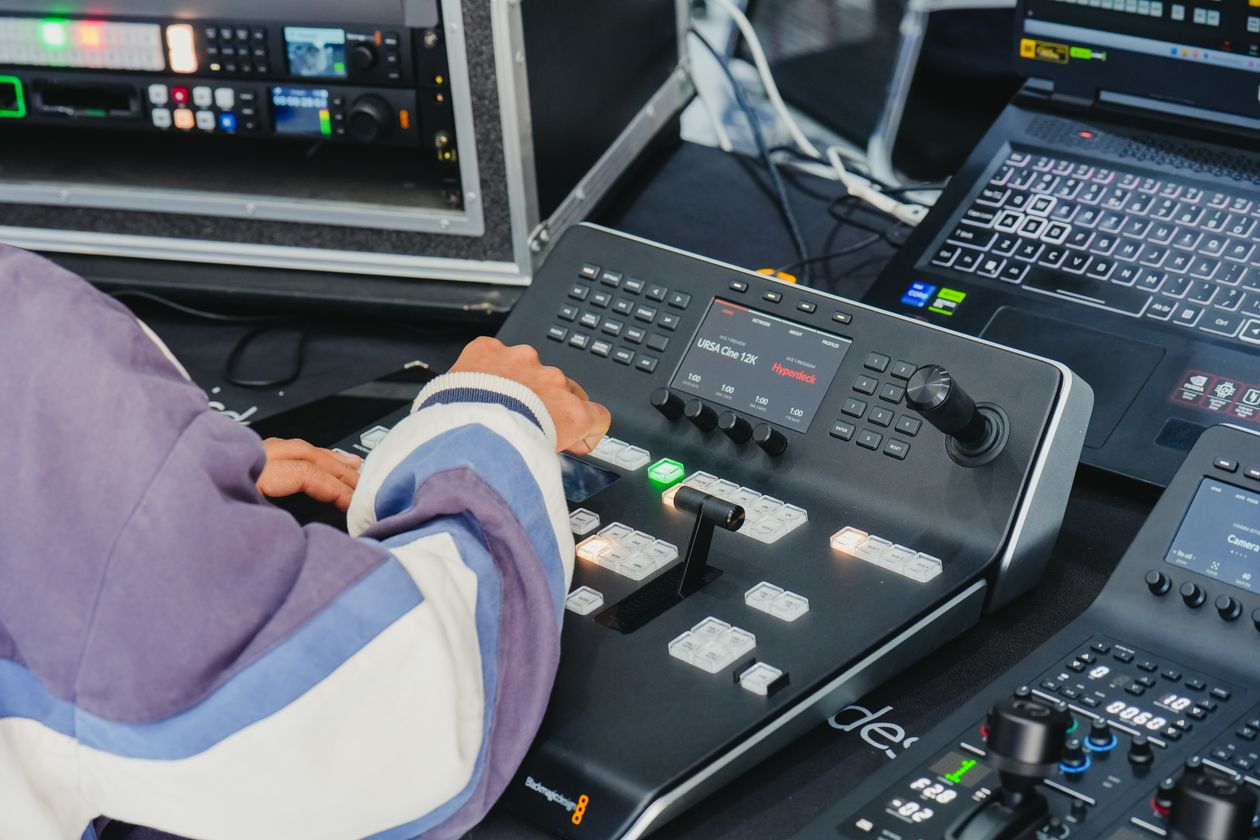
All cameras and sources enter the Vision Mixer, which outputs the Program Feed to an Encoder.
Audio comes from the Audio Console or suitable mixer and is integrated with the Program.
Graphics and presentation feeds are added as separate sources.
The external stream should also be monitored on a separate device to confirm that remote viewers are actually receiving the intended picture and sound rather than relying only on what is visible inside the control room.
What is the role of graphics in conference streaming?
Lower Thirds identify speakers, session titles provide context, and Break Graphics cover waiting periods.
Speaker names and titles should be prepared in advance to reduce errors during live production.
If the conference is bilingual, agree on how names and titles will be displayed.
Graphics should not become so visually heavy that they cover the main content.
What backup plans are necessary for a large conference?
Keep a local recording of the Program Feed.
Record important cameras independently where required.
Prepare backup batteries or power solutions for critical equipment.
Keep local copies of graphics and presentation files.
If live streaming is critical, there should also be a clear backup connectivity plan or alternate path appropriate to the scale of the project.
How do you manage conference media when there are dozens of hours of footage?
Use a consistent Naming Convention for every Camera and Session.
For example: DAY1_SESSION03_CAM2.
Separate Audio, Slides, Program, and ISO Cameras into organized folders.
Create backups during the event day when the project scale allows it.
Do not wait until the end of a long event day to discover that a Card was not copied or a file is missing.
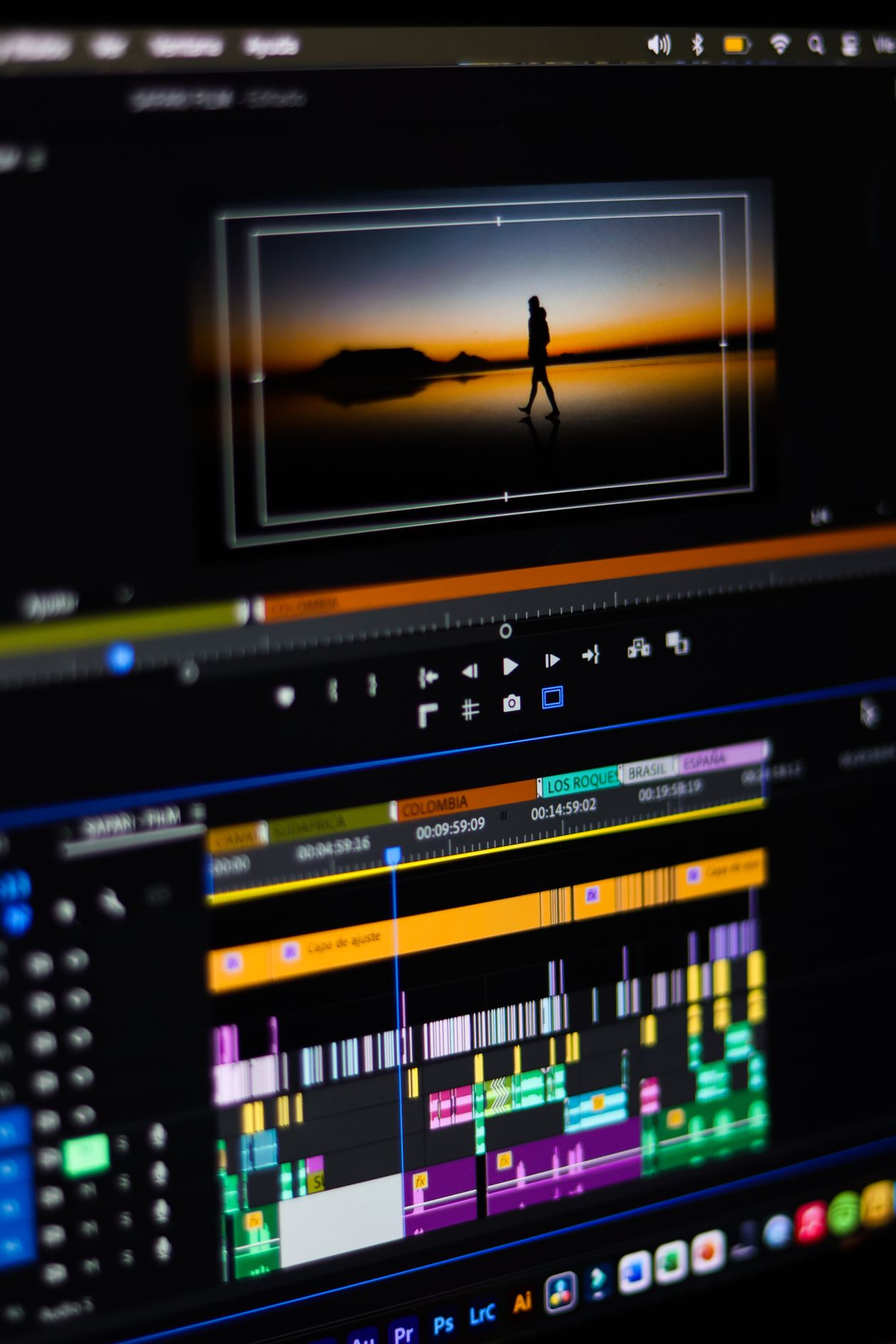
How does Multicam Editing work after the conference?
All cameras and audio are synchronized on one Timeline.
The editor can then switch between angles as if directing the event a second time.
This stage allows live cuts to be corrected and presentation feeds or graphics to be added at higher quality.
If the recordings are well organized and properly synchronized, the editing process becomes much faster.
How do you create individual Speaker Clips?
Use the Close Camera together with clean audio and the presentation content associated with the speaker.
The full speech can be delivered, or selected highlights can be extracted.
These assets are useful for organizers, speakers, and public-relations teams.
If every Speaker requires a separate edited version, this should be defined in Scope before filming because the number of outputs can become significant.
How do you create a Highlight Film from a multi-camera conference?
Do not use only stage footage.
Combine Exterior shots, Branding, guest arrivals, audience reactions, speakers, presentation moments, questions, networking activity, and any exhibition area connected to the event.
Select short Sound Bites that communicate the message of the conference.
The goal is to make the viewer feel the scale and value of the event rather than simply watching a chronological summary.
How do you produce vertical content from a multi-camera conference?
Ideally, one camera or part of the Capture Plan should be dedicated to 9:16 content.
Horizontal cameras can still help, but cropping every frame vertically may remove the speaker or key parts of the stage and screens.
Capture guest entrances, Close-ups, short statements, Reaction Shots, and selected Speaker Clips in a format that works for social platforms.
If Reels and TikTok are important deliverables, vertical capture should be included in the Camera Plan from the beginning.
| Deliverable | Primary Source | Editing Level | Primary Use |
|---|---|---|---|
| Full Session | Program + ISO | Light correction | Documentation |
| Speaker Clip | Close + Slides | Medium | Speaker / PR |
| Highlight Film | All sources | Creative | Marketing |
| Vertical Reel | Vertical Capture | Fast | Social Media |
How do you plan final delivery for a large conference?
Agree in advance on file names, resolutions, languages, duration of each version, and folder structure.
If there are twenty speakers, the client should know whether they will receive twenty separate files or only full session recordings.
Also define whether Raw Footage is included in the delivery.
Organizing delivery by day, session, and content type makes archiving much easier.
How do you measure the quality of a multi-camera conference production?
Is there a safe Master Shot available throughout the event?
Are speakers clearly framed?
Are panel discussions visually balanced between participants?
Are presentations clear through a Clean Feed?
Is the audio clean and synchronized?
Are there enough Audience Reactions?
Are the Program Recording and ISO Recordings complete?
And can the recorded materials later support Full Sessions, Clips, and Highlights without major gaps?
What factors determine the cost of filming a conference with multiple cameras?
Camera count matters, but conference duration and number of event days may matter even more.
Live streaming adds a director, Vision Mixer, Encoder, monitoring, and potentially backup connectivity.
ISO Recording increases storage and media-management requirements.
The number of post-event deliverables can significantly affect the project when separate Clips are required for every Speaker or Session.
Multiple simultaneous rooms require additional crews and equipment, not simply more cameras.
| Cost Factor | When It Increases | Added Value | Comparison Mistake |
|---|---|---|---|
| Camera Count | Large stage and audience | Angles and redundancy | Comparing quantity without roles |
| Live Streaming | Remote audience | Live reach | Treating it as camera + internet only |
| ISO Recording | Multiple deliverables | Editing flexibility | Relying on Program Feed only |
| Multiple Rooms | Simultaneous sessions | Independent coverage | Ignoring extra crews |
| Post Production | Many clips | Long-term content value | Pricing only the filming day |
Planning a conference, forum, or large event and need multi-camera filming with live streaming, editing, and organized delivery for sessions and speakers?
What are the most common mistakes in multi-camera conference filming?
The first mistake is increasing camera count without assigning clear roles.
The second mistake is not having a stable Master Camera.
The third mistake is letting every camera film the same speaker from nearly the same frame.
The fourth mistake is not using Intercom.
The fifth mistake is not giving camera operators the session schedule.
The sixth mistake is allowing the Close Camera to react too late when the active speaker changes.
The seventh mistake is ignoring Audience Reactions.
The eighth mistake is allowing the Roaming Camera to enter fixed-camera frames.
The ninth mistake is filming Slides only from the LED screen.
The tenth mistake is failing to record a Clean Feed of presentations.
The eleventh mistake is relying on camera microphones for conference audio.
The twelfth mistake is not recording Ambient Audio.
The thirteenth mistake is failing to record Program Feed locally.
The fourteenth mistake is not recording ISO when post-production requires flexibility.
The fifteenth mistake is not preparing speaker names before the live broadcast.
The sixteenth mistake is not testing LED screens and cameras with the actual event lighting.
The seventeenth mistake is mixing Day 1 and Day 2 media without a clear Naming Convention.
The eighteenth mistake is not agreeing on the number of Speaker Clips before the event.
The nineteenth mistake is filming everything horizontally when vertical social content is also required.
The twentieth mistake is delivering files without a clear structure for days, sessions, and speakers.
What is the complete execution checklist for a multi-camera conference?
Pre-Production:
☐ Run of Show is ready.
☐ Speaker names are confirmed.
☐ Session formats are classified.
☐ Deliverables are defined.
Site Recce:
☐ Stage location is confirmed.
☐ Camera Positions are defined.
☐ Production Area is defined.
☐ Cable routes are known.
☐ Audio, presentations, and LED are tested.
Cameras:
☐ Master Camera.
☐ Close Camera.
☐ Audience Camera.
☐ Roaming Camera where needed.
☐ Every camera has a defined role.
Audio:
☐ Direct Feed.
☐ Backup Recording.
☐ Ambient Audio.
☐ Sync has been tested.
Presentations:
☐ Clean Feed.
☐ Presentation Files are available.
☐ Embedded videos are tested.
☐ Separate recording source is available.
Intercom:
☐ Director can communicate with all operators.
☐ Operators can hear production instructions.
☐ Camera names and numbers are clear.
Live Stream:
☐ Vision Mixer is ready.
☐ Encoder is ready.
☐ Graphics are ready.
☐ External Program Monitor is available.
☐ Backup Plan exists.
Recording:
☐ Program Feed is recorded.
☐ ISO Cameras are recorded where required.
☐ Audio is recorded separately.
☐ Slides are recorded.
Media Management:
☐ Naming Convention is clear.
☐ Every session has its own Folder.
☐ Backup is performed during the day.
☐ Recording cards are verified.
Post Production:
☐ Multicam Sync.
☐ Full Sessions.
☐ Speaker Clips.
☐ Highlight Film.
☐ Vertical Content where required.
Delivery:
☐ File names are clear.
☐ Days and sessions are separated.
☐ Resolutions are correct.
☐ Languages are correct.
☐ Raw Footage inclusion or exclusion is defined.
How does the filming plan change by conference type?
Single-Stage Business Conference
Three to four main camera functions may be enough: Master, Close, Audience, and Roaming.
The production focuses on speeches, panels, presentations, and selected side interviews.
Government or Corporate Forum
Greater attention is required for speaker names, graphics, full documentation, and reliable streaming.
Full Sessions and Speaker Clips may become important delivery requirements.
Summit with Multiple Sessions
The main challenge is managing the schedule and rapidly changing speakers.
The team needs accurate Cue Sheets and continuous communication between the Stage Manager and director.
Conference with Multiple Rooms
Each room needs an independent or semi-independent coverage system.
One team cannot simply move between rooms if sessions run simultaneously.
Technology Conference with Heavy Presentation Use
Presentation Feed becomes a primary source, especially if there are Demos or multiple screens.
The director needs to understand the content well enough to know when to remain on the screen and when to return to the speaker.
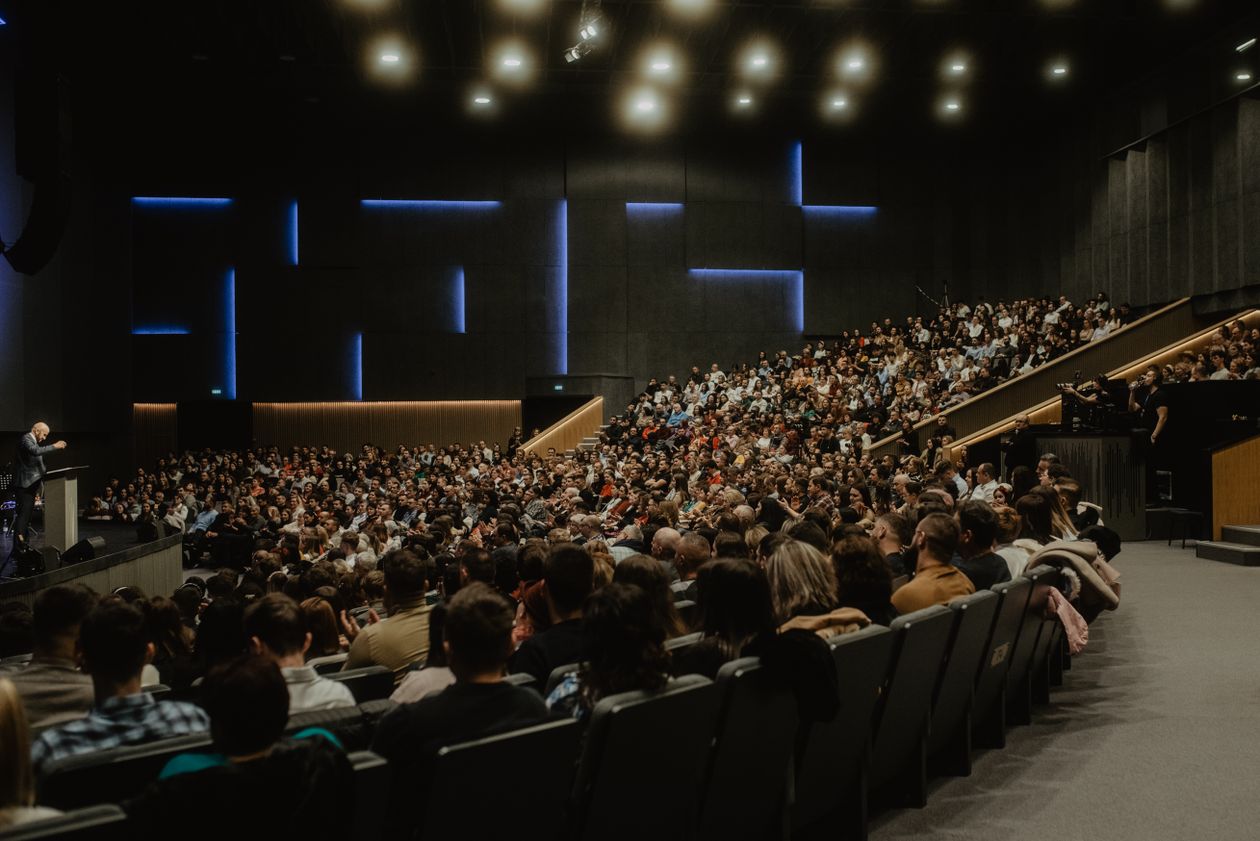
Large Corporate Event with a Large Audience
Audience Camera coverage and Reaction Shots become more important because they communicate scale and energy.
An additional elevated camera can also provide a strong Wide Shot of the full venue.
| Conference Type | Filming Priority | Important Source | Main Risk |
|---|---|---|---|
| Business | Speaker and audience | Close + Master | Repetitive framing |
| Government | Official documentation | Program + Speaker Clips | Name errors or incomplete coverage |
| Technology | Presentations and content | Presentation Feed | Unreadable screen content |
| Multiple Rooms | Crew coordination | Independent teams | Simultaneous sessions |
What are the most common questions about filming conferences with multiple cameras?
1. How many cameras does a conference need?
It depends on stage size, session format, audience coverage, streaming needs, and final deliverables. Camera count alone is not enough; every camera should have a defined role.
2. Can a conference be filmed with only two cameras?
Yes, for smaller conferences, typically using a Master and a Close Camera, but flexibility for audience and movement coverage becomes limited.
3. What is the most important camera?
The Master Camera is extremely important because it provides a safe shot that the director can return to at any time.
4. Do I need a camera for the audience?
Usually yes for larger conferences, especially when questions and reactions are part of the content.
5. Is a Roaming Camera necessary?
Not always, but it is useful for details, entrances, movement, and coverage outside the main stage.
6. How does each operator know what to film?
Through clear Camera Assignments, Intercom communication, and live instructions from the director.
7. What is the benefit of Intercom?
It allows the director to prepare the next shot before taking it live and prevents cameras from duplicating each other.
8. Is Program Feed enough for delivery?
It works for documentation and live streaming, but ISO Recordings are preferred when advanced editing is required.
9. What does ISO Recording mean?
It means recording each camera separately instead of saving only the final version chosen by the director.
10. How should presentations be recorded?
Ideally through a Clean Feed from the presentation or AV system and recorded separately.
11. Can the LED screen simply be filmed with a camera?
It can be included as part of the scene, but text and details are usually much clearer from the direct digital source.
12. How is conference audio recorded?
Through a direct Feed from the Audio Console, ideally with an independent recording and Ambient Audio where needed.
13. Can the same multi-camera system stream the conference live?
Yes. Program Feed is sent from the Vision Mixer to an Encoder and then to the streaming platform.
14. What happens if one source fails?
A Master Camera, multiple sources, and backup plans allow production to continue without stopping the entire event.
15. Does every session need separate editing?
It depends on the delivery scope. Some clients need only Program Recordings, while others require a refined version of every session.
16. Can a separate video be created for every speaker?
Yes, especially when Close Camera, presentation feeds, and audio have been recorded properly.
17. How is a Highlight Film produced after the conference?
By combining B-Roll, audience reactions, speakers, presentations, interviews, and selected Sound Bites rather than relying on Program Feed alone.
18. Can Reels be produced from the same footage?
Yes, but the results are stronger when vertical capture is planned from the beginning.
19. What increases the cost of a multi-camera conference?
Camera count, event days, streaming, multiple rooms, ISO Recordings, post-production volume, and the number of required deliverables.
20. What information is needed for pricing?
Venue, number of days, operating hours, number of rooms, speaker count, session formats, streaming requirements, expected camera count, presentation feeds, interviews, and final deliverables.
What is the final approach to filming a large conference or event with multiple cameras?
Start with coverage objectives and final deliverables before deciding camera count.
Perform a Site Recce and define the Camera Map, control room, and cable routes.
Give every camera a defined role instead of repeating the same angle.
Keep the Master Camera stable as a visual safety source.
Assign a Close Camera to speakers and facial expressions.
Use an Audience Camera to capture reactions and questions.
Use a Roaming Camera for details and movement without relying on it for critical unrepeatable moments.
In Panel Discussions, prepare the camera for the next speaker before they begin.
Record a Clean Feed of presentations instead of relying only on filming the LED screen.
Take audio directly from the Audio Console and capture Ambient Audio for room energy.
Use Intercom so all camera operators work as one coordinated team.
Make sure the director knows the Run of Show and speaker names before the event.
Use Live Switching with purpose rather than changing shots simply because another camera is available.
Always record Program Feed when documentation or streaming is important.
Record ISO Cameras when post-production or multiple deliverables are required.
Prepare graphics, speaker names, and session titles in advance.
Build a Backup Plan for power, recording, streaming, and media.
Organize Media Management by day, session, and camera.
Use Multicam Editing to create final versions that can be more refined than the live broadcast.
Agree on Full Sessions, Speaker Clips, Highlights, and Social Content before filming begins.
At Event Live, large conferences and events are approached as complete multi-camera productions that begin with planning, Site Recce, and camera-role allocation, then move through directing, audio, presentations, graphics, live streaming, and recording, followed by media management, multicam editing, and organized delivery, with the goal of producing coverage that feels consistent whether the audience watches it live or after the event.
الوسوم # Multi Camera Production # Conference Videography
This post is part of a series called Post