



Posted in التصوير والإنتاج, التغطية الإعلامية on نوفمبر 07, 2026
Corporate Workshop Photography in Saudi Arabia

EVENT LIVE | Saudi Media Production
Professional Photography and Video for Corporate Workshops in Saudi Arabia
How do you document a training workshop so that the audience understands what participants actually learned? How can a media team show instruction, interaction, and practical exercises without interrupting the training session?
Corporate workshop coverage requires a different approach from a ceremonial event. Its value lies in communicating the learning process, not merely showing that a room was full.
This guide from EVENT LIVE explains how to plan training photography and video across Saudi Arabia, from preparation and camera placement to consent, audio, editing requirements, and final deliverables.
 Call Now
 WhatsApp
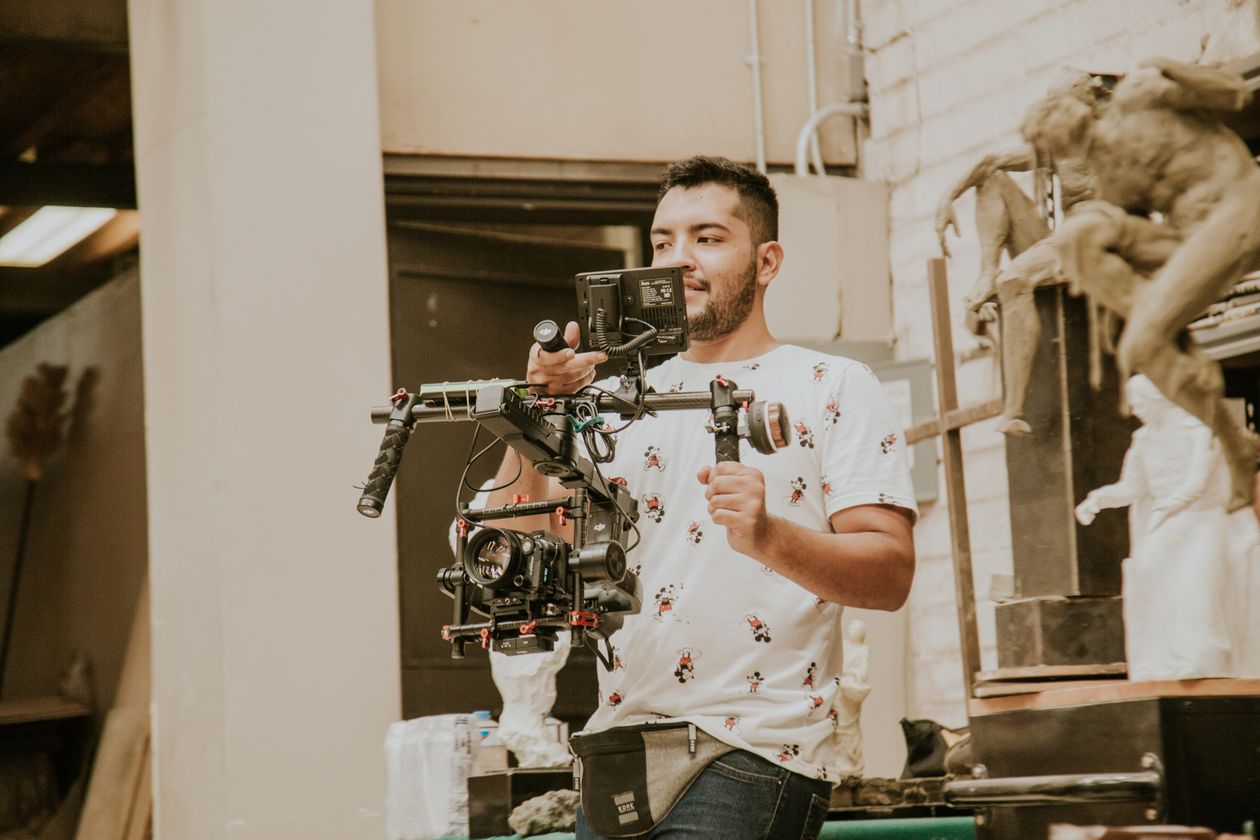
1. What Is the Purpose of Workshop Media Coverage?
Corporate clients may require images for an internal report, a short video highlighting the workshop, training-related communications, or future course promotion.
These purposes are different. Recording a complete instructional session demands a different approach from producing a short visual summary of participant engagement.
2. How Does Training Format Affect the Shot Plan?
Leadership workshops emphasize discussion and collaboration. Technical courses may require close views of tools and procedures, while sales workshops may involve role-play.
The media team should understand the learning activity before deciding which scenes have the greatest storytelling value.
3. What Should the Client Brief Include?
Confirm venue, agenda, workshop objectives, instructor, attendance expectations, required outputs, publication channels, and privacy restrictions.
Identify confidential materials before filming to avoid recording footage that cannot be used safely.
4. Use the Agenda as a Filming Map
Mark key transitions between explanation, discussion, practice, assessment, and closing. Important exercises may last only a short time.
The production schedule should prioritize these non-repeatable moments instead of relying on continuous filming without direction.
5. Inspect the Training Venue
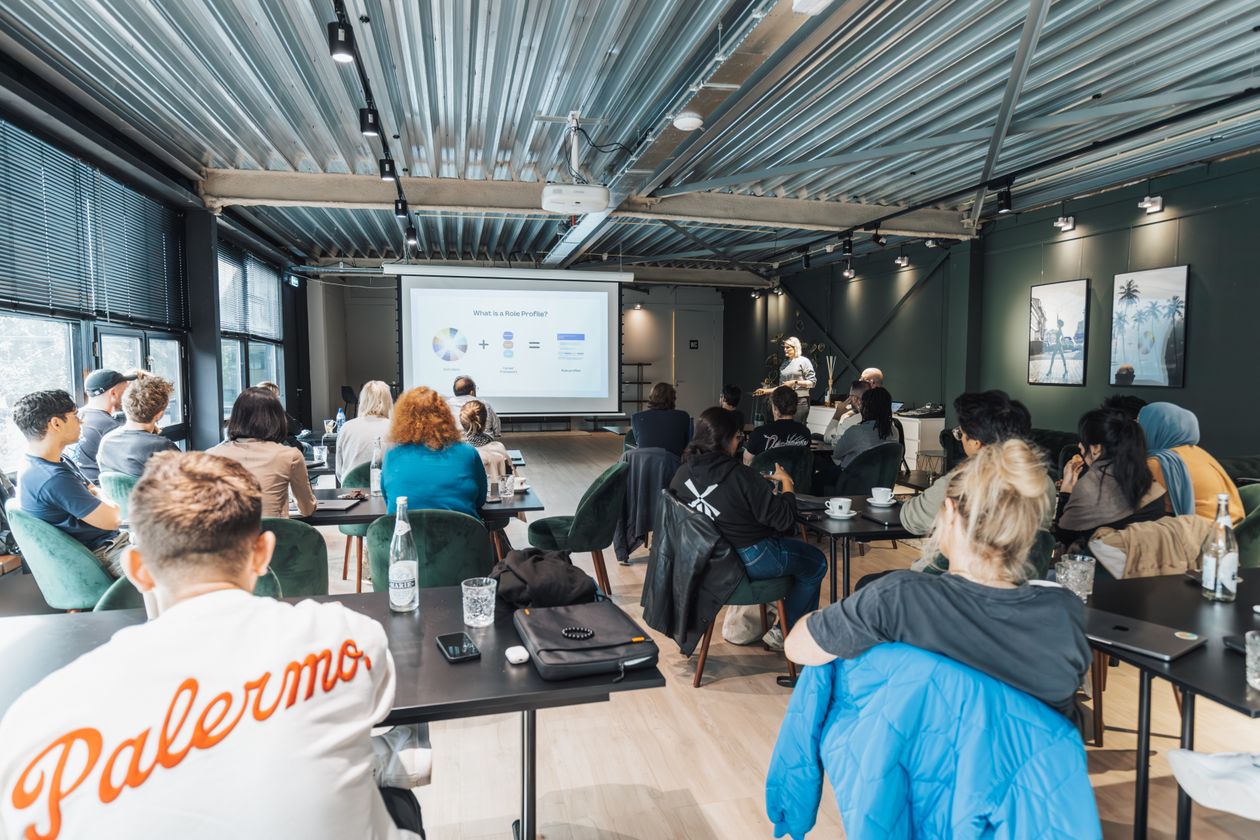
Review room layout, seating, presentation screen, lighting, movement paths, and instructor position.
Camera operators should be able to capture useful angles without blocking participants' view or disrupting the training environment.
6. Prepare a Practical Shot List
List essential scenes for setup, instructor presentation, questions, group activities, detailed practical work, and closing.
Classify which scenes must be captured at their scheduled time and which supporting shots can be recorded later if permitted.
| Stage | Required Coverage | Priority | Output |
|---|---|---|---|
| Setup | Room and learning materials | High | Event report |
| Instruction | Instructor and audience | High | Workshop recap |
| Practice | Tools and participant actions | Very high | Learning story |
| Discussion | Questions and responses | As relevant | Corporate documentary |
| Closing | Certificates and group | As scheduled | PR and internal use |
7. Photograph the Instructor With Context
Combine instructor portraits with frames showing the relationship between presenter, material, and audience. Repetitive podium photographs rarely communicate the full learning experience.
Use gestures and authentic teaching moments instead of forced poses.
8. Capture Participants Respectfully
Photograph note-taking, collaboration, and practical engagement where permission allows. Avoid intrusive close-ups and images that might embarrass participants.
Authentic involvement is more valuable than staging activity solely to make the room appear energetic.
9. Record Questions and Discussions
Questions and exchanges demonstrate active learning. Consider paired shots of the participant asking and the instructor responding, while maintaining a discreet presence.
10. Prioritize Practical Exercises
For hands-on workshops, capture the relevant starting condition, key action, and visible outcome. This sequence explains the learning experience more effectively than a random collection of close-ups.
11. Film Meaningful Learning Materials
Workbooks, presentation materials, equipment, and safe-to-show diagrams provide useful supporting images.
Check for employee information, client details, proprietary content, or other sensitive material before recording.
12. Handle Screens and Presentation Slides
Bright projected slides can create exposure difficulties. Balance the speaker and screen where both need to remain visible.
When the slide content is central to the edit, use authorized source files if available rather than relying entirely on filmed projection.
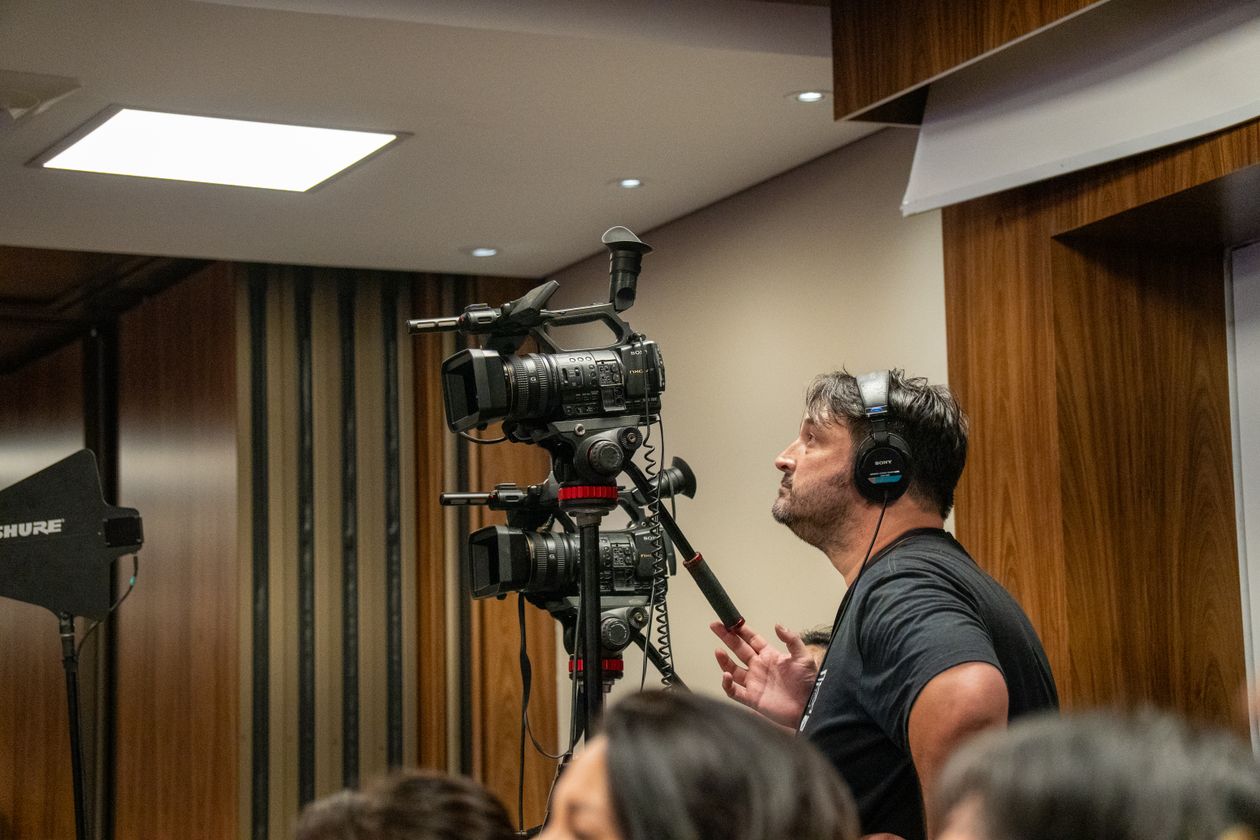
13. Why Is Audio Quality Important?
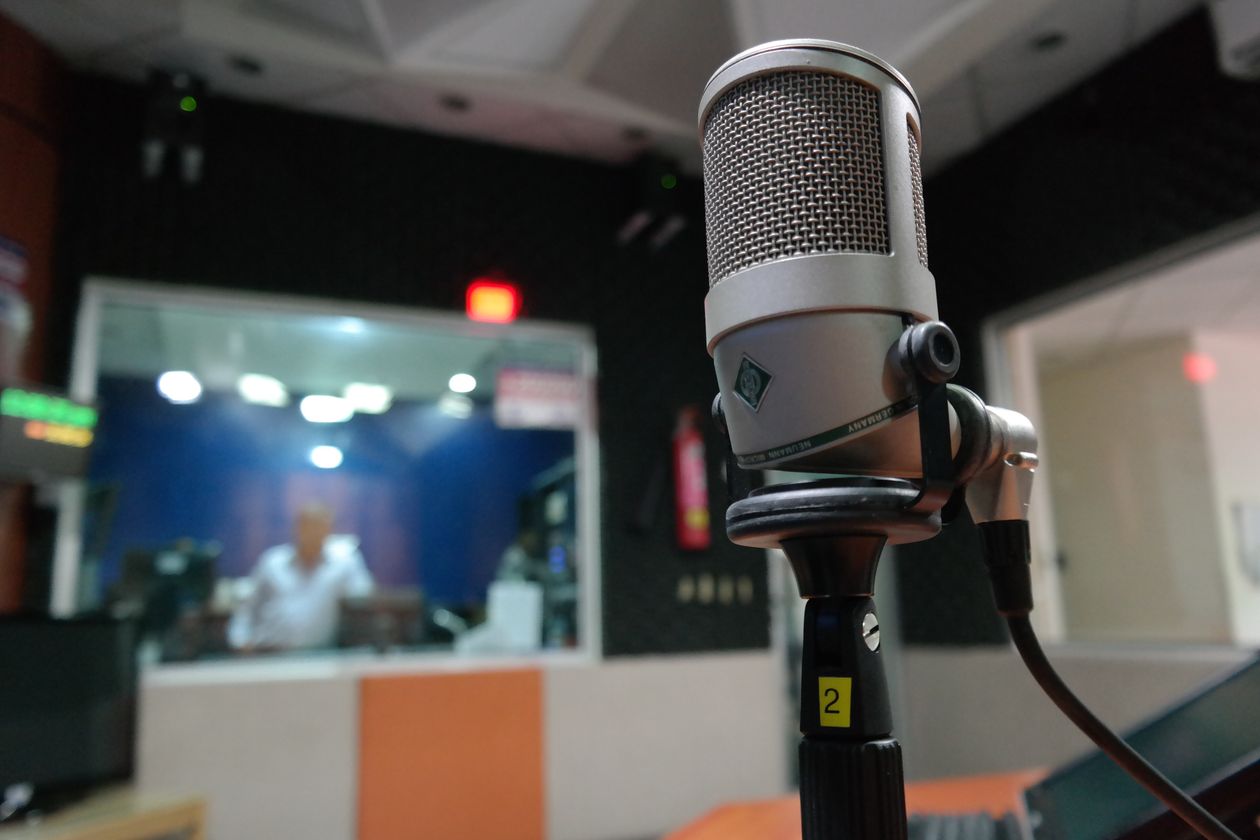
A video containing teaching or interviews needs intelligible speech. Camera microphones placed far from the speaker may capture distracting room noise.
Select a suitable microphone or approved sound-system feed and conduct a recording test before the session.
14. Work With the Room's Lighting
Avoid lighting that distracts learners or makes slides difficult to see. Adjust exposure and color balance carefully, especially when screen brightness changes.
15. Use Wide, Medium, and Detail Frames
Wide frames establish context, medium frames show interpersonal relationships, and close-ups reveal important actions.
A balanced combination makes editing easier and helps viewers understand both the room and the learning process.
16. Produce a Balanced Photo Library
Include horizontal and vertical images covering setup, instruction, participation, exercises, approved branding, and closing activities.
Review the gallery for variety and relevance, not only sharpness and color.
17. Clarify the Video's Intended Use
A promotional highlight video may need authentic moments and concise storytelling, while an instructional archive requires continuous audio and permission to record educational content.
Final requirements should guide filming decisions from the beginning.
18. Plan Vertical Video Separately
Capture dedicated 9:16 shots for vertical social platforms and allow space for captions and platform interface elements.
Important actions may be lost if every short clip is created by cropping horizontal footage.
19. Conduct Appropriate Short Interviews
Interviews can explain training objectives and provide genuine reflections from participants. Questions should be open and not designed to manufacture praise.
Confirm participation and publication consent.
20. Protect Participant Privacy
Workshops can involve confidential business examples, employee data, assessment results, or internal discussions.
Distinguish permission to record from permission to publish. Review footage for accidental disclosure before delivery.
| Scene | Challenge | Solution | Quality Check |
|---|---|---|---|
| Instructor | Distant audio | Suitable microphone | Playback test |
| Projection | Exposure mismatch | Camera adjustment | Screen and speaker visible |
| Participants | Privacy | Consent and review | Approved usage |
| Exercises | Missed sequence | Agenda-based planning | Shot List completion |
21. Capture Approved Branding Naturally
Use existing event banners, presentation backgrounds, and authorized materials. Do not imply sponsorship or partnerships that were not established.
22. Photograph the Room Before Participants Arrive
Prepared seating, workbooks, equipment, and presentation displays can document the organizer's setup. These scenes are difficult to recreate once the session begins.
23. Record Assessment Activities Carefully
Where permitted, record the activity without displaying readable private scores, answers, or confidential assessment documents.
24. Plan Certificate and Closing Coverage
Coordinate the certificate presentation and group photograph in advance, allowing efficient coverage without delaying the program.
25. Define Deliverables in Writing
Specify gallery scope, video formats, vertical clips, interviews, revisions, and any raw-file requirements before production.
Deliverable clarity helps both the organizer and media team verify completion.
| Deliverable | Source Material | Use | Acceptance Criterion |
|---|---|---|---|
| Photo Gallery | Varied stills | Reports | Workshop stages represented |
| Recap Video | Story-driven coverage | Website and communications | Clear learning narrative |
| Vertical Clips | 9:16 video | Social platforms | Safe composition |
| Interviews | Approved sound and video | Corporate PR | Clear audio and consent |
26. Determine the Appropriate Crew Size
Small single-room programs may suit one operator. Simultaneous rooms, multiple outputs, interviews, and extensive video requirements can justify additional crew members.
27. Allocate Production Time
Prioritize preparation, opening, key exercises, and closing. Review missing shots before the end of the event rather than discovering gaps during editing.
28. Organize and Back Up Files
Separate photographs, footage, and interviews by session or day. Verify secure backups before original memory cards are reused.
29. Evaluate Quality Against the Brief
Check whether the final material explains the workshop's purpose and demonstrates learning activities. Confirm technical quality, publication suitability, format, and diversity of coverage.
30. What Drives Workshop Coverage Cost?
Cost depends on duration, rooms, crew, equipment, audio, editing, interview requirements, and number of outputs.
Compare quotations with equivalent scopes rather than relying on a generic event photography price.
31. Twenty Common Photography Mistakes
- Filming only the instructor.
- Missing hands-on exercises.
- Ignoring the event agenda.
- Starting without a Shot List.
- Relying entirely on wide shots.
- Disrupting participants while filming.
- Failing to test audio.
- Showing sensitive screen content.
- Ignoring publication permissions.
- Missing educational details.
- Overlooking questions and discussion.
- Using distracting lighting.
- Not filming dedicated vertical content.
- Depending entirely on horizontal cropping.
- Missing room setup photographs.
- Failing to coordinate certificates.
- Filming without a defined video purpose.
- Neglecting backups.
- Leaving deliverables undefined.
- Judging success solely by image count.
32. Pre-Event Checklist
☐ Program objectives. ☐ Session agenda. ☐ Venue. ☐ Number of rooms. ☐ Shot List. ☐ Camera positions. ☐ Audio test. ☐ Consent rules. ☐ Restricted materials. ☐ Practical exercise coverage. ☐ Vertical video. ☐ Closing photographs. ☐ Backups. ☐ Deliverable specifications.
33. Practical Coverage Scenarios
Sales Training
Emphasize role-play, questions, and communication exercises while protecting any customer information.
Technical Training
Capture equipment and key process steps without exposing confidential system data.
Leadership Workshop
Show discussion, group problem-solving, and collaborative activities.
Safety Training
Focus on correct procedures and equipment use without interfering with safe instruction.
| Workshop | Visual Focus | Priority Scenes | Precaution |
|---|---|---|---|
| Sales | Interaction | Role-play | Customer privacy |
| Technical | Application | Tools and workflows | Confidential screens |
| Leadership | Discussion | Group exercises | Private opinions |
| Safety | Procedures | Equipment and demonstrations | No operational interference |

34. Twenty Frequently Asked Questions
1. Must every session be recorded in full?
Only if the agreed use requires continuous recording.
2. Is one photographer enough?
Possibly for a small workshop; simultaneous sessions may require more coverage.
3. When should filming begin?
Before participants arrive if venue setup is part of the brief.
4. Is an instructor microphone necessary?
It is advisable when spoken content must be clear.
5. Can all participants be filmed?
Follow the organizer's approved consent and publication arrangements.
6. Why prepare a Shot List?
It reduces the risk of missing important non-repeatable moments.
7. Is vertical filming important?
Yes when outputs are intended for vertical platforms.
8. Can presentation slides be shown?
Only when authorized and relevant.
9. How is privacy protected?
Define filming boundaries and review footage for sensitive information.
10. What is the most useful workshop shot?
One that clearly communicates learning or practical application.
11. Is a group photo sufficient?
No. It documents attendance rather than the complete training experience.
12. How should branding appear?
Through genuine approved workshop materials.
13. Can instructors be interviewed?
Yes, when appropriate permissions and purposes are defined.
14. Can short social videos be delivered?
Yes, when planned in the production scope.
15. How can filming avoid disruption?
By planning positions, movement, and camera timing.
16. Can assessments be photographed?
Without exposing protected answers or participant results.
17. Does workshop duration affect cost?
Yes, alongside crew, equipment, and deliverables.
18. Are raw files included?
Only when specified in the agreement.
19. What information is needed for a quotation?
Date, venue, schedule, rooms, and required outputs.
20. How is the final coverage evaluated?
Against the approved brief, visual quality, privacy, and usefulness.
35. Conclusion
Strong workshop photography does more than confirm attendance. It documents instruction, engagement, practice, and the learning environment while respecting participants and their information.
A clear brief, carefully planned shots, suitable audio, approved permissions, and well-defined deliverables make it easier to create useful material for internal reports, websites, and communications.
Learn about corporate event coverage through the official EVENT LIVE website and discuss the workshop schedule and required outputs before production.
الوسوم # Corporate Events # Event Videography
This post is part of a series called Post