


Posted in الأمن السيبراني (Cybersecurity), الشبكات والاتصالات on نوفمبر 07, 2026
Firewall and Network Segmentation for Saudi Businesses

Future Networks | Saudi Connectivity Solutions
Enterprise Firewall and Network Segmentation: A Practical Security Guide for Saudi Businesses
A company can have reliable internet connectivity while exposing too many internal devices to one another. When employee computers, shared printers, application servers, and specialized equipment occupy an unrestricted network, a compromised or misconfigured device may have more reach than necessary.
Network segmentation separates systems into defined security zones. Firewall policies regulate which communications may cross those boundaries. Used together, these controls reduce unnecessary exposure and make corporate network behavior easier to understand and validate.
This guide explains technical and operational considerations for Saudi business environments. Explore the official Future Networks website for connectivity products, while confirming that each proposed device supports the required enterprise networking features.
 Call Now
 WhatsApp

1. What Is Network Segmentation?
Segmentation separates network resources into distinct zones, limiting which systems can communicate directly. It may involve VLANs, routed subnets, firewalls, or more granular approaches.
The objective is to control real traffic paths, not merely to draw separate boxes on a diagram.
2. What Does a Firewall Actually Do?
A firewall applies policies to traffic according to available criteria such as source, destination, service, and connection context. It may protect an internet boundary or enforce controls between internal zones.
Its effectiveness depends on topology, placement, policy quality, and ongoing operation.
3. Why Is Internal Segmentation Valuable?
Segmentation reduces unnecessary connectivity between systems with different trust requirements. This can limit exposure following device compromise and simplify access troubleshooting.
However, it does not remove the need for endpoint protection, software updates, and secure identity controls.
4. Inventory Systems Before Designing Policies
Record application servers, employee devices, printers, network equipment, specialized controllers, and essential external services. Identify the legitimate connections required for each system.
Separating devices without understanding their application dependencies can disrupt business operations.
5. Classify Assets by Function and Sensitivity
An employee workstation and a payment system may have very different access requirements. Group assets according to business purpose and information sensitivity.
These classifications guide the separation strategy and help prioritize the most important boundaries.
| Zone | Purpose | Necessary Access | Restricted Access |
|---|---|---|---|
| Employees | Daily work | Approved applications | Unnecessary administration |
| Servers | Business services | Specified application flows | Broad general access |
| Printers | Document output | Approved clients or print server | Unrestricted internal traffic |
| IoT | Specialized operations | Required controllers | Sensitive office systems |
| Management | Network administration | Authorized administrators | Untrusted endpoints |
6. Define Security Zones
A zone is a group of resources with similar access rules. It should reflect operational requirements and security sensitivity, not just organizational department names.
Document permitted inter-zone communications and ownership of exceptions.
7. Understand VLAN Limitations
VLANs separate layer-two domains, but inter-VLAN routing can still connect those domains. A different VLAN ID is not proof of effective access restrictions.
Verify the actual controls enforced along routed paths.
8. Place Enforcement at the Correct Boundary
Firewalls or supported network policy controls must inspect the traffic they are intended to restrict. If a separate route bypasses the boundary, the security design can fail.
Trace traffic paths before approving the architecture.
9. Apply Least-Privilege Networking
Allow only the communication necessary for each service instead of broadly permitting traffic between every zone.
Precise rules require accurate dependency information and coordinated testing.
10. Create an Application Traffic Matrix
For each legitimate communication, record source, destination, transport, port, and business purpose. Have the appropriate application owner validate the requirement.
This creates a foundation for practical rule management and acceptance testing.
11. Segment Employee Resources
Employee devices should reach the tools needed for their work without inheriting unrestricted access to management interfaces and sensitive servers.
Additional separation may be appropriate when departments have materially different requirements.
12. Control Access to Application Servers
Business applications may require database, identity, or integration services. Permit documented flows and avoid broad access simply because all systems belong to the same organization.
Validate that application behavior remains functional after restrictions are applied.
13. Treat Printers as Managed Network Resources
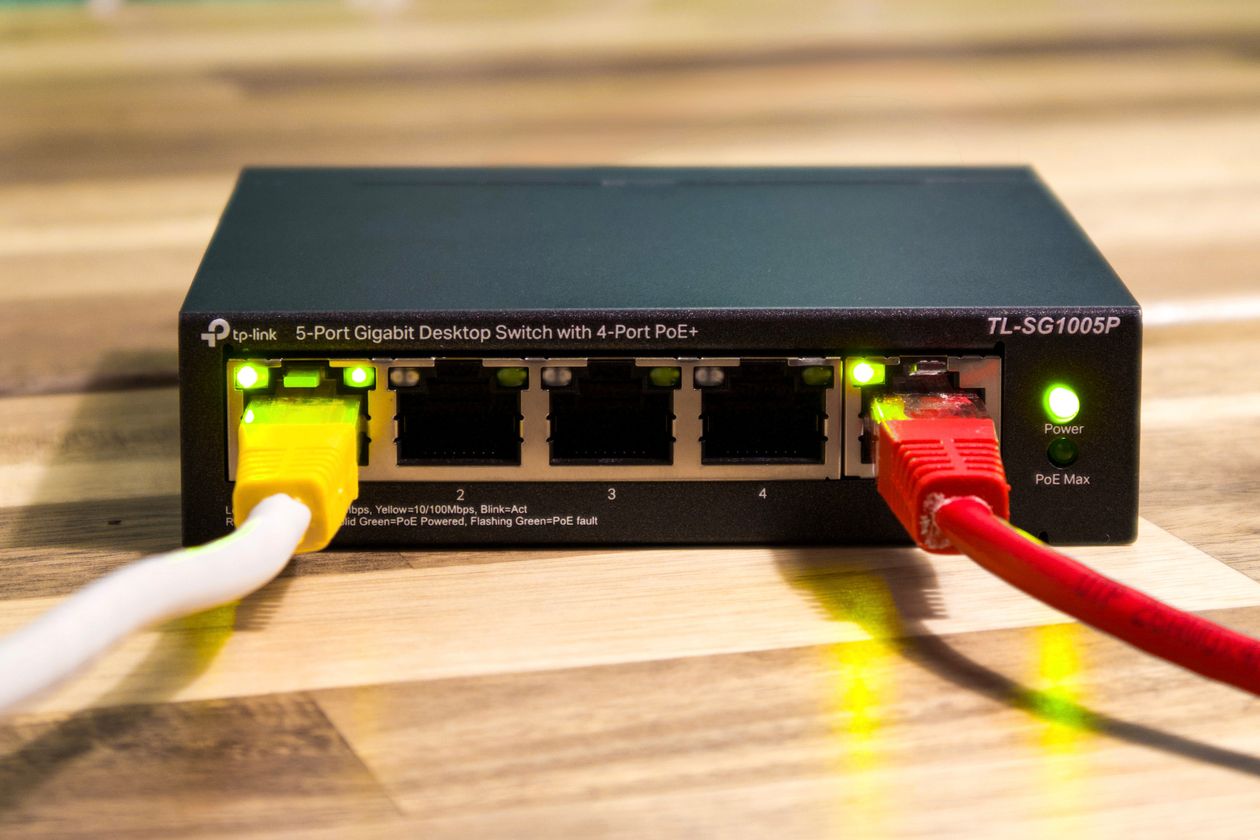
Network printers frequently expose management and discovery services. Their network location and permitted clients should be chosen intentionally.
Account for actual print protocols rather than granting unrestricted access.
14. Isolate Appropriate IoT Equipment
Some IoT devices have limited update and authentication capabilities. Separate them where feasible and allow only required controller or cloud communication.
Confirm device dependencies to avoid operational disruption.
15. Review Payment-System Boundaries
Payment infrastructure may have special operational and compliance requirements. Its network connections should be restricted according to the systems and applicable standards involved.
Verify provider-specific requirements rather than assuming one generic rule set fits every deployment.
16. Routing vs Filtering
Routing determines where traffic travels; filtering determines which traffic is accepted. Independent subnets can still communicate if permitted by routing and policy.
Evaluate both mechanisms when verifying segmentation.
17. Stateful Firewall Behavior
Stateful firewalls track connection information and can distinguish established session responses from unrelated new traffic.
This is useful for policy enforcement but does not automatically secure vulnerable applications.
18. Review Rule Order
Many platforms apply policy rules according to a defined processing order. A broad permit can undermine a narrower deny if placed or applied incorrectly.
Inspect the actual rule-processing behavior of the selected firewall.
19. Account for DNS, DHCP, and Time Services
Applications depend on supporting services that may span zones. Missing these flows can create confusing failures after a segmentation change.
Allow only the necessary destinations and protocols.
20. Include IPv6
Where IPv6 is enabled, security policy should cover it as well as IPv4. A restriction implemented for only one protocol family may leave an unintended path.
Test the protocol families actually in use.
| Communication | Starting Policy | Reason | Validation |
|---|---|---|---|
| Employee to approved application | Specific allow | Business function | Application test |
| IoT to management network | Default deny | Limit exposure | Reachability test |
| Application server to database | Specific allow | Service dependency | Functional check |
| General client to firewall administration | Deny | Protect configuration | Admin-access test |
| Client to approved DNS | Controlled allow | Name resolution | DNS query |
21. Plan Around Legacy Equipment
Older systems may require protocols that are difficult to modernize. Consider additional containment and explicitly evaluate the risk rather than allowing unrestricted access for convenience.
22. Restrict Administrative Interfaces
Firewall, switch, and router management should be available only to authorized administrators using approved access methods.
Review privileged accounts and prevent ordinary endpoints from reaching sensitive management interfaces unnecessarily.
23. Size the Firewall for Real Workloads
Performance depends on throughput, connection volumes, enabled inspection features, and platform capacity. Published headline speeds may not represent the organization's actual configuration.
Evaluate expected operating loads and future expansion.
24. Use Logs for Operations and Security
Firewall logs can help explain denied connections and identify unusual patterns. Retention and access rules should reflect business needs and applicable obligations.
Logging must be configured intentionally to avoid excessive noise or unnecessary data collection.
25. Validate Allowed and Denied Paths
Successful application operation does not prove security controls are working. Test prohibited communications as well as legitimate ones.
Record results against approved test cases.
26. Apply Formal Change Control
New application requirements often generate firewall exceptions. Verify the requested communication, minimize its scope, document approval, and retest after implementation.
Remove rules whose business purpose has ended.
27. Maintain Supported Firmware and Backups
Track vendor security updates, support status, and safe configuration backups. Plan changes to limit operational disruption and maintain an appropriate recovery path.
28. Document the Architecture
Maintain network-zone diagrams, policy ownership, approved traffic matrices, and administrative procedures.
Good documentation reduces troubleshooting time and dependence on individual technicians.
29. What Determines Project Cost?
Cost varies with firewall capacity, existing equipment, number of segments, application complexity, migration work, testing, and documentation. A valid quotation requires a defined environment and scope.
30. Example: A Riyadh Multi-Department Company
Consider a hypothetical office with employees, application servers, printers, and specialized devices. The network team documents required interactions, creates separate zones, and allows only approved application flows.
It then tests normal business functions and confirms that unrelated devices cannot reach protected resources. This is an illustrative workflow rather than a claim of a completed customer project.
| Symptom | Possible Cause | Diagnostic Action | Response |
|---|---|---|---|
| Application unavailable | Required flow blocked | Check service dependencies | Approve narrow exception |
| Unauthorized reachability | Broad permit | Inspect route and policy | Restrict destination |
| DNS failure | Resolver traffic blocked | Test DNS | Allow required service |
| Slow performance | Capacity pressure | Measure resource utilization | Tune or resize appropriately |
31. Twenty Common Mistakes
- Assuming VLANs enforce every necessary security control.
- Creating policies before mapping application dependencies.
- Allowing unrestricted traffic across all zones.
- Using broad permits to repair isolated application failures.
- Exposing management interfaces to general endpoints.
- Ignoring legacy equipment risks.
- Forgetting IPv6 policy.
- Blocking required DNS or DHCP dependencies.
- Choosing a firewall from headline throughput alone.
- Ignoring rule-processing order.
- Failing to document exceptions.
- Making changes without a rollback plan.
- Testing permitted traffic but not denied traffic.
- Leaving unnecessary privileged accounts active.
- Neglecting security updates.
- Overlooking bypass routes.
- Collecting excessive logs without clear purpose.
- Failing to maintain network diagrams.
- Believing segmentation replaces all other security controls.
- Handing over the network without documented acceptance testing.
32. Deployment Checklist
☐ Complete system inventory. ☐ Security zones identified. ☐ Required traffic mapped. ☐ Firewall feature support confirmed. ☐ VLAN and routing design checked. ☐ Least-privilege policies applied. ☐ Administration restricted. ☐ IPv4/IPv6 reviewed. ☐ Core dependencies allowed. ☐ Performance assessed. ☐ Approved and denied flows tested. ☐ Configuration backed up. ☐ Documentation delivered.
33. Implementation and Acceptance Process
Assessment
Inventory equipment, identify business services, and review current network dependencies.
Design
Agree on zone definitions, traffic policies, administrative boundaries, and acceptance cases.
Implementation
Apply changes under an approved operational plan with appropriate recovery provisions.
Validation
Test legitimate application workflows and confirm unnecessary communications remain blocked.
Handover
Provide current diagrams, policy summaries, management responsibilities, and test records.
| Stage | Output | Owner | Acceptance |
|---|---|---|---|
| Inventory | Application dependencies | IT team | Approved scope |
| Design | Zone and policy plan | Network specialist | Application review |
| Implementation | Configured controls | Authorized implementer | Operational verification |
| Testing | Allowed/denied flow results | Technical team | Documented sign-off |
34. Twenty Frequently Asked Questions
1. Does a firewall replace segmentation?
No. Security depends on appropriate enforcement along actual network paths.
2. Does VLAN separation automatically prevent routing?
No. Inter-VLAN routing can still connect segments.
3. Why segment an internal network?
To reduce unnecessary connectivity and improve control of traffic between systems.
4. Does every department need a separate VLAN?
Not always. Requirements depend on function and sensitivity.
5. Can internal servers be protected separately?
Yes, with suitable zones and service-specific policies.
6. Can printer access be limited?
Yes, according to approved users and required protocols.
7. Can IoT devices be isolated?
Often, after their required communication paths are identified.
8. Does segmentation prevent every attack?
No. It is one layer of protection.
9. Do all routers support enterprise firewall policies?
No. Device features must be verified.
10. What is least privilege?
Allowing only the access needed for a legitimate purpose.
11. Should blocked paths be tested?
Yes. They are part of acceptance testing.
12. Can a firewall affect speed?
Yes, depending on capability, configuration, and load.
13. Why does DNS matter?
Many services depend on name resolution.
14. Should IPv6 be reviewed?
Yes, wherever it is used.
15. How should rule exceptions be managed?
Document purpose, scope, approval, and subsequent testing.
16. Is firmware maintenance necessary?
Yes, according to supported update practices.
17. Can an existing network be segmented without downtime?
It depends on the architecture and migration requirements.
18. What information supports quotation?
Equipment, systems, traffic, sites, and required security features.
19. Why are diagrams important?
They support safe changes, troubleshooting, and accountability.
20. Where should a company begin?
With an inventory and a map of legitimate application communication.

35. Conclusion
Effective enterprise segmentation starts with understanding applications and their legitimate data flows. Security zones, VLANs, firewall policies, management controls, and acceptance testing must work together.
Buying an advanced appliance does not compensate for weak policy design, and adding more VLANs is not automatically better architecture. Focus on a maintainable, documented system that supports business operations while reducing unnecessary access.
For connectivity products and technical information, visit the official Future Networks website. Enterprise features and suitability must be verified against the specific devices and project requirements.
الوسوم # الشبكات الآمنة # Access Control
This post is part of a series called Post