



To plan multi-camera event production, start with the event schedule and essential moments, determine the required camera angles, assign clear responsibilities to each operator, establish reliable audio and communication systems, and test every recording and live switching path before the event begins. A successful production also requires a camera synchronization strategy, backup recording arrangements, and a clearly defined delivery plan.
Corporate conferences, product launches, award ceremonies, exhibitions, and institutional events in Saudi Arabia frequently involve important moments that cannot be recreated. A keynote announcement, contract signing, or product unveiling may happen only once, making comprehensive camera coverage and reliable recording especially important.
Professional production is therefore not simply about hiring several camera operators. It requires coordinated planning that connects the event program, stage design, audio system, camera positions, control room, recording equipment, and post-production requirements.
This guide provides a practical framework for planning multi-camera production in Riyadh and across Saudi Arabia, including technical decisions, staffing, contingency planning, and final deliverables.
What Is the Quickest Way to Plan Multi-Camera Event Coverage?
The quickest reliable method is to define what must be captured, assign a primary camera to maintain continuous coverage, allocate supporting angles, establish an audio plan, and test the full production workflow before the event.
Start with these priorities:
- Review the event agenda and production brief.
- Identify moments that cannot be repeated.
- Inspect the stage and audience layout.
- Choose the number and positions of cameras.
- Assign responsibilities to camera operators.
- Define audio sources and monitoring arrangements.
- Establish the communication and directing workflow.
- Confirm recording, synchronization, and backup systems.
- Rehearse transitions and important event sequences.
- Verify the required final video deliverables.
Each decision should support the event's communication objectives rather than simply increasing the number of cameras.
Why Should Important Events Be Filmed With Multiple Cameras?
Multiple cameras make it possible to capture different views simultaneously, reducing the risk of missing significant moments and providing greater flexibility for live directing and editing.
One camera might continuously record the stage while another captures the current speaker and a third records reactions or supporting details.
This is particularly valuable when an event moves rapidly between presentations, audience interactions, recognition ceremonies, and product demonstrations.
How Does Multi-Camera Filming Differ From Single-Camera Coverage?
Single-camera coverage relies on one viewpoint at any given moment. Multi-camera filming uses synchronized or independently recorded sources to document several perspectives at the same time.
| Production Factor | Single Camera | Multiple Cameras |
|---|---|---|
| Simultaneous viewpoints | One | Several |
| Continuous stage coverage | Limited while repositioning | Can be maintained by a dedicated camera |
| Editing flexibility | Fewer visual alternatives | More angles and transitions |
| Crew coordination | Relatively simple | Requires structured communication |
| Equipment requirements | Generally lower | Depends on cameras and infrastructure |
| Live switching | Limited source selection | Enables real-time angle selection |
How Many Cameras Do You Need for a Corporate Event?
The required number depends on the venue layout, program complexity, stage size, audience interaction, simultaneous activities, and whether the event will be streamed or recorded for later editing.
A small seminar may only need two cameras. A larger conference might use three or four cameras, while productions with multiple stages or specialized live broadcast requirements may need considerably more.
Are Three Cameras Enough for a Conference?
Three cameras can be effective for a conference with one stage and a manageable program. A common arrangement includes a wide safety shot, a close-up speaker camera, and a supporting angle.
However, camera quantity should never be chosen without assessing actual coverage requirements.
Where Should Cameras Be Positioned Inside a Conference Hall?
Place the main camera where it can maintain a clean and stable view of the stage, then position supporting cameras to capture speakers, panel discussions, audience responses, and important details without blocking sightlines or emergency access.
Camera positions should also account for lens reach, cable routing, platform stability, power availability, stage lighting, and access restrictions.
| Camera | Suggested Position | Primary Responsibility |
|---|---|---|
| Camera 1 | Rear-center facing stage | Continuous wide coverage |
| Camera 2 | Suitable side position | Speaker medium shots and close-ups |
| Camera 3 | Opposite side or controlled mobile position | Audience and supporting details |
| Camera 4 | Production-specific position | Additional angle or dedicated event moment |
This arrangement is illustrative. The final positioning must be adapted to the venue and approved production plan.
How Do You Choose Camera Angles That Tell a Clear Story?
Choose complementary angles that establish the stage, identify the active speaker, and show meaningful reactions without creating unnecessary visual distraction.
A good multi-camera sequence should help viewers understand what is happening, who is speaking, and why a particular moment matters.
When Should You Use a Wide Shot?
Use a wide shot to establish the location, show the entire stage, preserve continuity, and provide a reliable fallback while other cameras reposition.
When Is a Medium Shot More Appropriate?
Use medium shots for keynote presentations, panel discussions, and speakers whose body language contributes to the message.
When Should a Director Select a Close-Up?
Use close-ups when expressions, gestures, products, or ceremonial details deserve attention. Avoid excessive switching between similar close-ups without a clear editorial purpose.
How Do You Build a Camera Shot List From the Event Agenda?
Convert the event schedule into a production document identifying each important moment, its primary camera, supporting angle, estimated timing, and relevant audio source.
This becomes especially important when covering non-repeatable announcements, awards, signings, and product launches.
| Event Segment | Essential Shot | Supporting Coverage |
|---|---|---|
| Opening ceremony | Full stage | Audience response |
| Keynote presentation | Current speaker | Stage screen and wide coverage |
| Panel discussion | Active panelist | Full panel and reactions |
| Agreement signing | Participants signing | Document exchange and group shot |
| Awards ceremony | Award presentation | Recipient and stage context |
| Product unveiling | Reveal moment | Product detail and audience |
Who Should Be Responsible for Directing Multiple Cameras?
A designated production director or camera coordinator should maintain an overview of the event, communicate shot requirements, manage live transitions when applicable, and coordinate changes with the organizer.
For smaller recorded productions, a camera supervisor may oversee coverage. For live broadcasts, a dedicated director and technical operator may be needed depending on system complexity.
What Information Should Every Camera Operator Receive?
Each operator should receive the event agenda, camera assignment, location map, essential shot list, technical recording settings, communication procedures, and instructions for unexpected program changes.
How Do Camera Operators Communicate During a Live Event?
Use a reliable communication system suitable for the venue, such as a production intercom or professional headset network, with clear operational language and defined responsibilities.
The production director should be able to request shot changes discreetly without disrupting the stage audio or audience experience.
Why Is Communication Especially Important During Live Switching?
Operators need to know when their camera is on air, when to hold a stable frame, and when they can safely reframe or reposition.
Without effective communication, the director may receive unexpected camera movement at the exact moment a shot is selected.
What Equipment Is Needed for Live Multi-Camera Switching?
A live switching setup typically includes compatible camera outputs, reliable video transport, a video switcher, monitoring displays, audio integration, and a program recording or streaming system.
Depending on the event, the setup may also require converters, graphics systems, communication equipment, playback devices, and backup power.
What Does a Video Switcher Do?
A video switcher allows the director or technical operator to select among available video sources and produce a program output. Capabilities differ by model and may include transitions, audio mixing, graphics, streaming, and recording.
What Is Multiview Monitoring?
Multiview monitoring displays several camera sources together, enabling the production team to assess composition, signal availability, and readiness for a transition.
For example, Blackmagic Design's ATEM SDI range includes live production features, with ISO recording available on specified models rather than on every switcher.
How Do You Match Camera Settings Before an Event?
Establish compatible recording and output settings across cameras, including frame rate, resolution, white balance, exposure, and color processing, then visually compare the resulting images.
Different camera models may use different color science, so identical numeric settings do not always produce identical pictures.
Test cameras under the actual stage lighting whenever practical.
Do All Cameras Need to Be the Same Model?
No. Different cameras can be used together when their outputs, recording settings, and overall appearance are sufficiently compatible with the production workflow.
Should Automatic White Balance Be Used During a Conference?
Manual or controlled white balance can help minimize unexpected color shifts between angles. The exact approach depends on changing stage lighting and the operator's ability to manage exposure and color during the event.
How Do You Synchronize Footage From Several Cameras?
Use a synchronization workflow suited to the equipment and post-production requirements, such as compatible timecode systems, common audio references, or an integrated production recording system.
Timecode provides a reference for aligning recorded clips. Genlock, when supported and correctly configured, synchronizes camera frame timing. They are related tools but serve different functions.
Is Timecode the Same as Genlock?
No. Timecode identifies frame positions in a timeline, while Genlock synchronizes frame timing between compatible equipment.
The Sony camera synchronization guide documents equipment-specific requirements for external timecode and reference video synchronization.
Can Cameras Be Synchronized Using Audio?
Yes, if the recordings contain a sufficiently clear common audio reference. However, audio-based synchronization may be unreliable when microphones capture very different sources or recording clocks drift over long durations.
How Do You Record Clear Audio During a Multi-Camera Conference?
Obtain an appropriate feed from the venue's audio system when available, monitor it independently, and maintain a backup recording path for important speeches and announcements.
Common audio sources include podium microphones, wireless lavaliers, handheld microphones, panel discussion microphones, presentation playback, and audience question microphones.
Why Is a Camera's Built-In Microphone Usually Insufficient?
A distant camera microphone may capture excessive room reverberation and audience noise, making speech less intelligible than a direct microphone feed.
How Can Audio and Video Delay Be Prevented?
Test the entire signal chain, including processing, switching, recording, and streaming. Apply appropriate synchronization corrections where supported and confirm them through monitoring and test recordings.
How Should You Handle LED Screens and Stage Lighting?
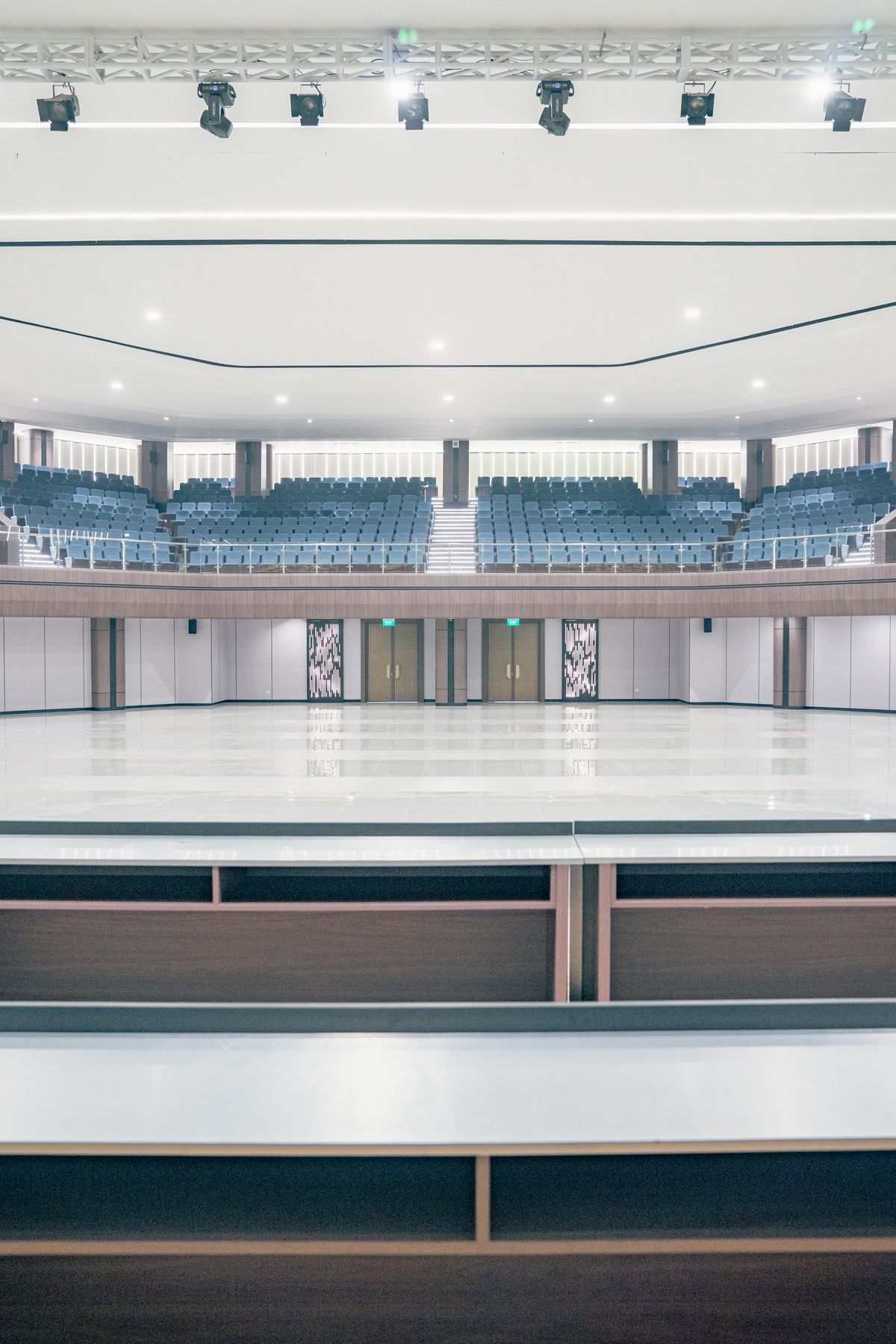
Coordinate with the stage lighting and LED screen teams to test exposure, color, and potential flicker before the event starts.
LED refresh behavior and camera shutter settings can produce visible bands or flicker in some combinations. The correct solution depends on the screen system, video format, and camera settings.
Can You Always Remove LED Flicker by Changing Shutter Speed?
No. Shutter adjustments may help, but some situations require changes to the display system or additional coordination with the technical crew.
How Do You Plan a Reliable Multi-Camera Livestream?
Prepare a stable program feed, clean and synchronized audio, suitable encoding settings, a tested internet connection, and a documented recovery plan for potential disruptions.
Run a complete end-to-end test using the intended streaming platform and technical configuration before the event goes live.
Does High Internet Speed Guarantee a Stable Livestream?
No. Reliability also depends on consistent upload capacity, packet loss, latency variation, network congestion, encoding performance, and the streaming destination.
Should a Livestream Have a Backup Connection?
For important live events, an independently tested backup connection is recommended where feasible, along with a procedure for switching if the primary connection fails.
Why Should You Record Individual Camera Feeds?
Independent camera recordings, often called ISO recordings, preserve more editing flexibility than a final switched program alone.
They may allow editors to replace a live camera cut, correct shot choices, adjust the final sequence, and create alternate deliverables after the event.
Some compatible live switching systems support recording several individual camera feeds together with the program output. Check the exact model's capabilities before planning an ISO workflow.
Is a Program Recording Enough for Every Event?
No. A program recording may be adequate when the client needs only the final switched coverage, but independent recordings are useful when substantial post-production or alternate edits are required.
How Do You Protect Event Recordings From Data Loss?
Use dependable recording media, monitor available storage and recording status, establish backup procedures, and transfer important footage to verified storage after recording.
For irreplaceable moments, consider recording through more than one path where the equipment and budget support it.
What Technical Failures Should a Production Plan Anticipate?
Plan for failures involving cameras, power, audio, cables, storage, network connections, and unexpected program changes, with named responsibilities for responding to each scenario.
| Potential Failure | Operational Risk | Contingency |
|---|---|---|
| Camera feed loss | Missing live angle | Switch to reliable alternative feed |
| Audio signal failure | Speech becomes unclear or unavailable | Use tested backup audio path |
| Recording media issue | Loss of footage | Activate backup recorder or media |
| Internet disruption | Livestream interruption | Use backup connection; maintain local recording |
| Power interruption | Production equipment stops | Test suitable backup power arrangements |
| Unexpected agenda change | Missed important moment | Update crew and preserve continuous wide coverage |
How Do You Estimate the Cost of Multi-Camera Event Production?
Estimate costs by separating crew, equipment, venue logistics, technical production, audio, recording, live streaming, and post-production requirements.
There is no universally accurate fixed price for multi-camera coverage. A small corporate seminar and a complex multi-stage conference can require very different personnel and equipment.
| Budget Category | Typical Scope | Main Cost Driver |
|---|---|---|
| Camera crew | Operators and assistants | Crew size and working hours |
| Camera equipment | Cameras, lenses, supports | Equipment specifications |
| Live production | Switcher, monitoring, director | Source count and complexity |
| Audio | Audio feeds, mixing, monitoring | Number of audio sources |
| Recording and storage | Program and ISO recordings | Duration, quality, recording redundancy |
| Post-production | Editing, sound, color, exports | Final deliverables and revisions |
Planning a conference, product launch, or major corporate event in Saudi Arabia?
Contact Event Live to discuss camera coverage, production requirements, recording, and livestreaming options for your event.
 Call Now
 WhatsApp
How Should You Organize the Production Schedule on Event Day?
Build a working schedule that accounts for equipment access, installation, cable testing, audio checks, rehearsals, guest arrival, live program coverage, and equipment breakdown.
Make sure the production team receives updated agenda information from the organizer throughout the event.
Should Cameras Begin Recording Before the Speaker Appears?
For important program moments, starting recording early provides useful margin against unexpected timing changes and avoids missing the opening seconds of a speech or announcement.
How Can You Prevent Missing Important Moments During Camera Changes?
Maintain at least one dependable coverage angle while other cameras reframe or reposition, and coordinate movement with the production director.
A continuous wide shot is especially valuable during transitions between speakers, panel sessions, or ceremonial segments.
How Should Footage Be Prepared for Post-Production?
Agree on file formats, frame rates, camera naming, audio references, storage organization, and delivery requirements before recording begins.
Organize recordings consistently so editors can identify camera angles, synchronize footage, and locate important events efficiently.
Can Conference Footage Be Repurposed for Social Media?
Yes. Properly captured conference footage can support highlight films, speaker clips, short-form videos, and promotional edits, subject to the agreed usage rights and suitable composition.
If vertical social media content is an important deliverable, plan appropriate framing or dedicated vertical capture rather than assuming every horizontal shot can be cropped effectively.
What Are the Most Common Multi-Camera Production Mistakes?
Common mistakes include inadequate site surveys, overlapping camera angles, poor audio monitoring, inconsistent camera settings, missing backups, insufficient communication, and undefined responsibilities.
Other problems include placing tripods in unsafe locations, failing to inspect LED display behavior, and underestimating the time required for installation and rehearsals.
What Should You Check Before a Multi-Camera Event Starts?
Use a structured pre-event checklist covering the venue, camera system, sound, communication, recording, safety, and final deliverables.
- ☐ Obtain the latest approved event agenda.
- ☐ Confirm all non-repeatable program moments.
- ☐ Inspect stage and audience sightlines.
- ☐ Assign camera positions and operators.
- ☐ Verify safe tripod placement and cable routing.
- ☐ Confirm compatible camera formats and settings.
- ☐ Check white balance and exposure consistency.
- ☐ Test LED walls and stage lighting.
- ☐ Confirm primary and backup audio sources.
- ☐ Test the director-to-camera communication system.
- ☐ Confirm synchronization procedures.
- ☐ Verify recording media capacity and status.
- ☐ Test any livestream from end to end.
- ☐ Check backup power and contingency equipment.
- ☐ Confirm permissions and audience filming requirements.
- ☐ Agree on final file formats and delivery scope.
What Are the Most Frequently Asked Questions About Multi-Camera Event Filming?
These answers address common questions from Saudi event organizers, corporate marketing teams, and conference production managers.
1. How many cameras are needed for a conference?
It depends on stage size, program complexity, audience activity, and deliverables. Two or three cameras may suit smaller events, while larger productions may need additional sources.
2. Is multi-camera filming always better than single-camera filming?
No. Multiple cameras are particularly useful for simultaneous coverage and live events, but a smaller production may be sufficient for simpler requirements.
3. Can a conference be recorded and livestreamed simultaneously?
Yes, when the production setup supports suitable audio, video, encoding, networking, and recording workflows.
4. Do all cameras need identical specifications?
Not necessarily. They should provide compatible outputs and sufficiently consistent visual results for the intended production.
5. Why is a fixed wide camera important?
It helps maintain uninterrupted coverage while other cameras change their framing or capture supporting details.
6. What does a live production director do?
The director coordinates camera selection, live visual transitions, timing, and communication between production teams.
7. How are multi-camera recordings synchronized?
Common methods include compatible timecode systems, shared audio references, and integrated ISO recording workflows.
8. Is separate audio recording necessary?
Independent or backup audio recording can improve reliability, especially for important speeches and event announcements.
9. Should every event use backup recording systems?
Backup recording is recommended for important or irreplaceable content when feasible, with the redundancy level determined by production risk and budget.
10. What should be included in a multi-camera production quotation?
The quotation should clearly specify working hours, camera count, crew, recording and streaming scope, deliverables, editing, revisions, logistics, and applicable production responsibilities.
How Do You Choose a Multi-Camera Event Production Company in Saudi Arabia?
Choose a team that can explain its production workflow, assess your venue, document the camera plan, provide appropriate audio coverage, and specify exactly what the final deliverables will include.
Review relevant production work, discuss essential event moments, and confirm recording and contingency arrangements before approving a proposal.
Event Live is a Saudi visual production company offering event coverage, conference filming, professional videography, and livestreaming services across the Kingdom.
Its official website provides information about event production services, examples of previous work, and direct contact options for planning your coverage.
Need professional multi-camera coverage for your next event?
Discuss your conference, exhibition, ceremony, or product launch requirements with Event Live.
What Is the Final Takeaway for Planning Multi-Camera Event Production?
Successful multi-camera production begins long before the first camera starts recording. The key is to connect the event agenda, camera placement, crew coordination, audio quality, live production, recording reliability, and final editing requirements into one coherent plan.
The goal is not simply to capture more footage. It is to document the event clearly, preserve important moments, maintain reliable technical performance, and deliver content that serves the organizer's objectives.
For professional event coverage and visual production in Saudi Arabia, explore Event Live's official website.